








Unofficial fan reconstruction · Stunt GP © 2001 Team17 Software Ltd.
 NEW
NEW
Team17's classic radio-controlled car racer — rebuilt from the original game's code and running natively on Windows x64 with DirectX 12.
Original menus, models, textures, music and sound effects. The complete single-player game in widescreen, with frame interpolation up to your monitor's refresh rate.
- Pace 60steps/s as in the original, regardless of the monitor's refresh rate
- Tick 3–5ms a full game step including rendering (author's measurement)
- Grid 6cars the player and five AI-driven rivals
- Screen Hor+ any aspect ratio, no bars and no stretching
The original game. A new, native engine.
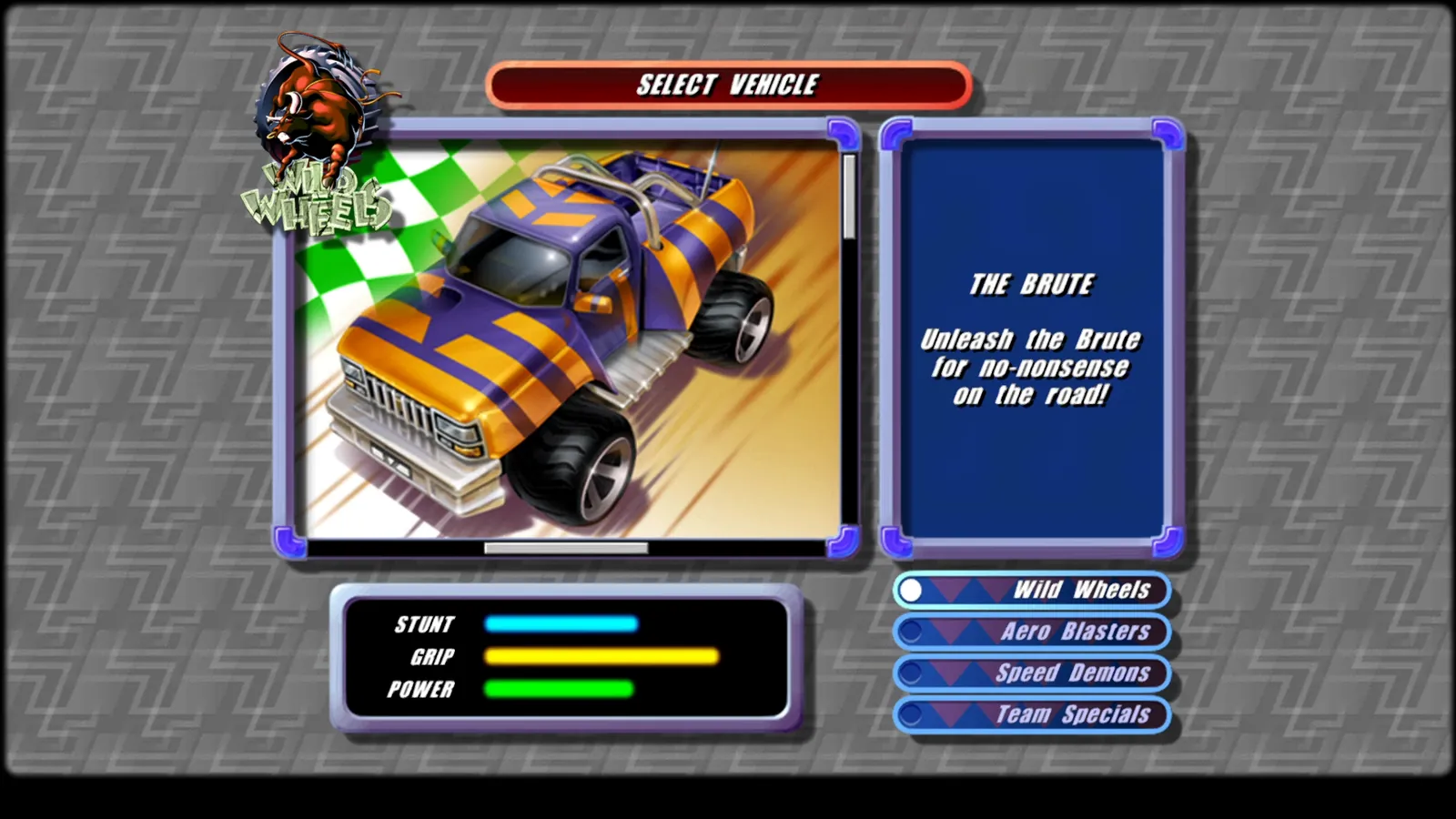
Stunt GP is a radio-controlled car racer on tracks full of ramps, jumps and steeply banked corners. StuntGP NEW rebuilds the whole path through the game: language selection, title screen, menus, name entry, choice of mode, vehicle and track, the race, the results and the return to the menu — all in one consistent game world.
It is neither an emulator nor a wrapper around the old EXE file. Driving mechanics, track contact, rival AI and the camera are new native code rebuilt from the instructions of the original program. The game uses the original data: models, textures, fonts, music and effects.
Where the original behaviour has not been rebuilt yet, the game reports an explicit error naming the function — instead of substituting an invented “toy” driving model.





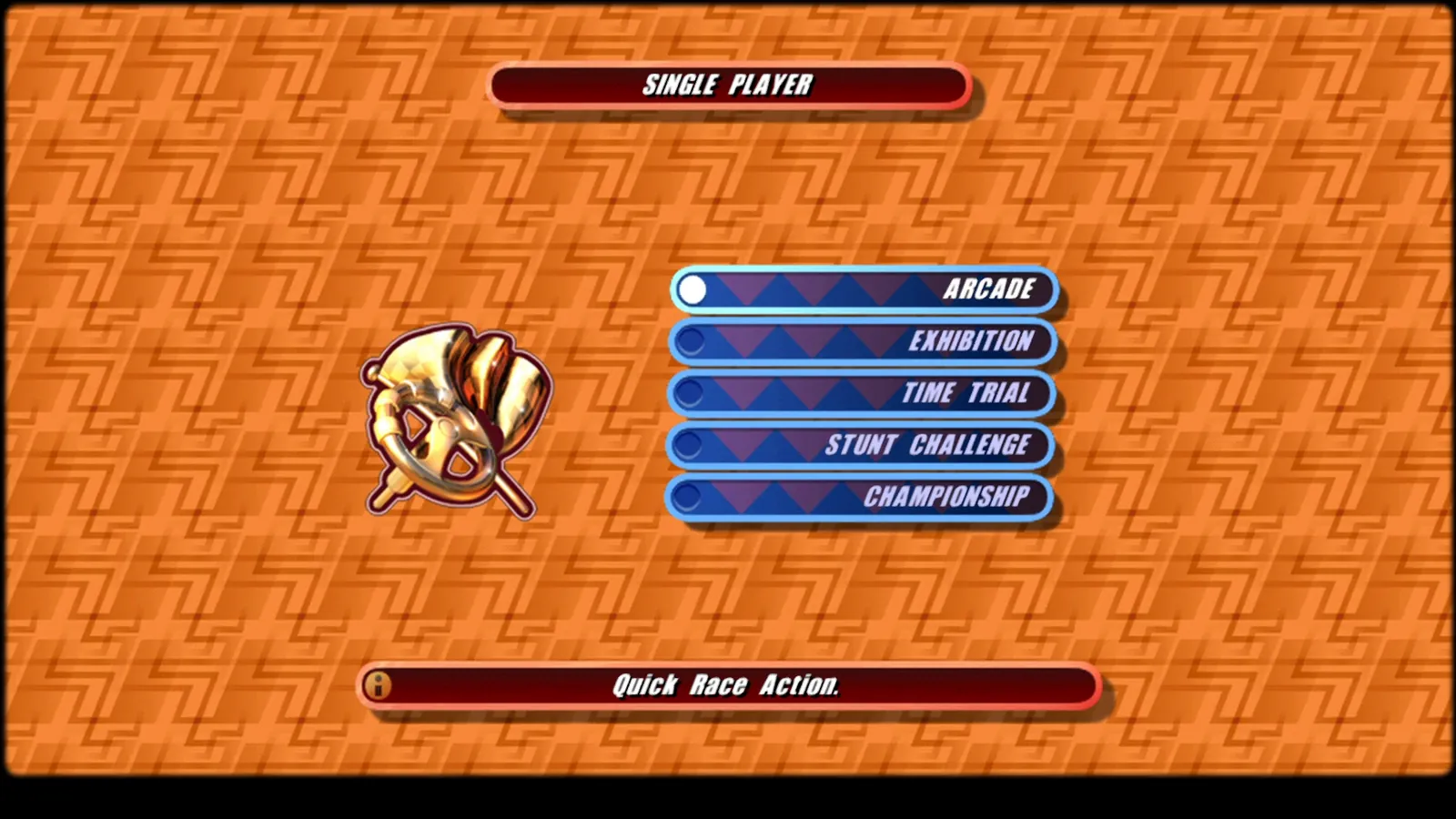
Modes from the original game menu. Labels and help texts come straight from the game files.
Faithful to the original, comfortable on a modern PC
Original menus
Language selection, title screen, main menu, name entry, vehicle selection and track preview run on the game's original graphics, fonts and texts.
One seamless game
Menu → track and mode → race → results → menu. Everything happens in one game world, with no separate preview mode.
60 steps per second
The simulation runs at the original pace: 60 steps per second, regardless of the monitor's refresh rate. A game step including rendering takes about 3–5 ms.
Any monitor
The picture fills the window at native resolution, with no bars and no stretching. Races use Hor+ — a wider view to the sides with the original vertical field of view. The HUD sticks to the screen edges.
120, 144, 240 Hz
Frame interpolation shows smooth motion up to your monitor's refresh rate, with pacing locked to the display. The game itself keeps 60 steps per second, so no key presses get lost and music and loading screens keep the original pace.
Original assets
Vehicle and track models, textures, fonts, music and sound effects all come from the original game files.
Rebuilt, not invented
Every rebuilt behaviour must point to specific instructions in the pinned original EXE file. Decompiler pseudocode alone is not accepted as proof.
Original bugs fixed
11 documented fixes, described separately from the recovered behaviour — for example a half-second pause every 7 minutes or so, caused by a 32-bit clock counter overflowing.
Real screenshots from the game
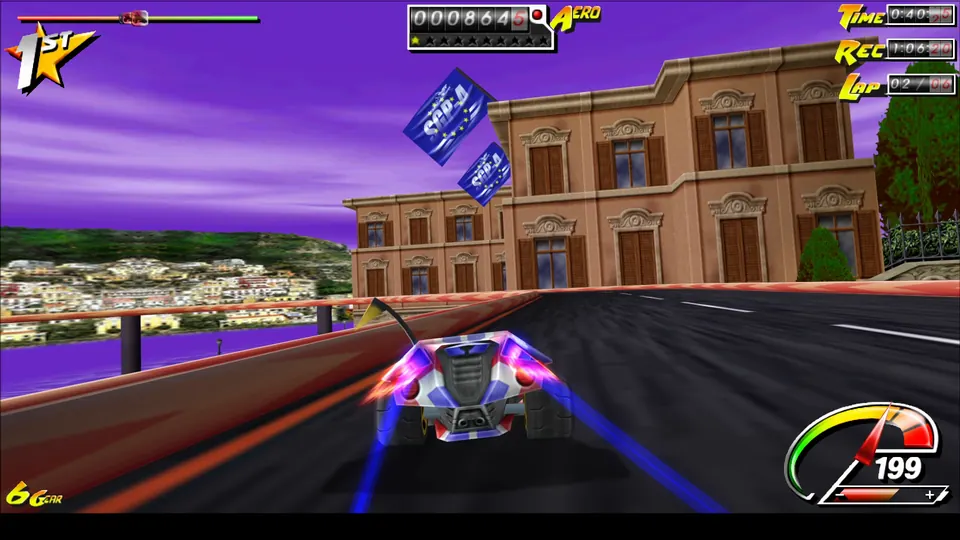
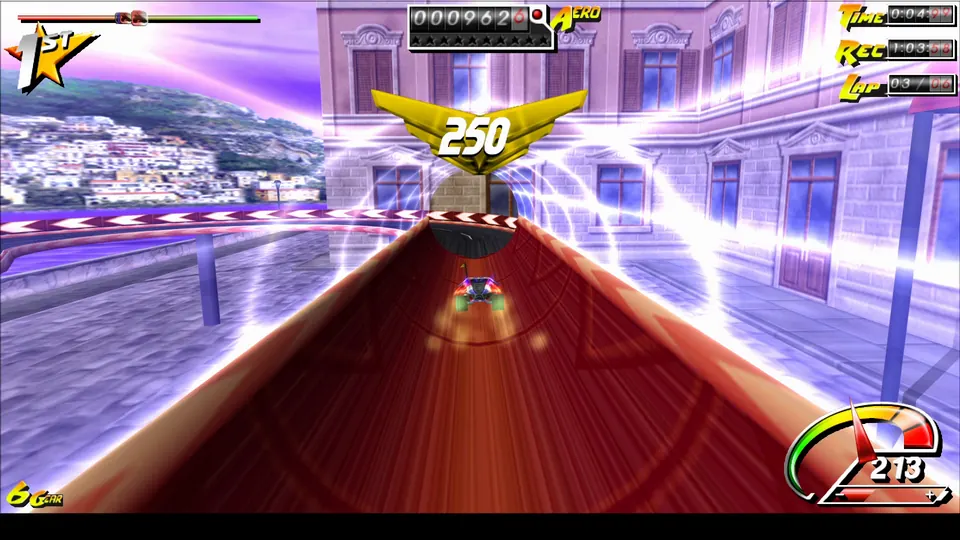
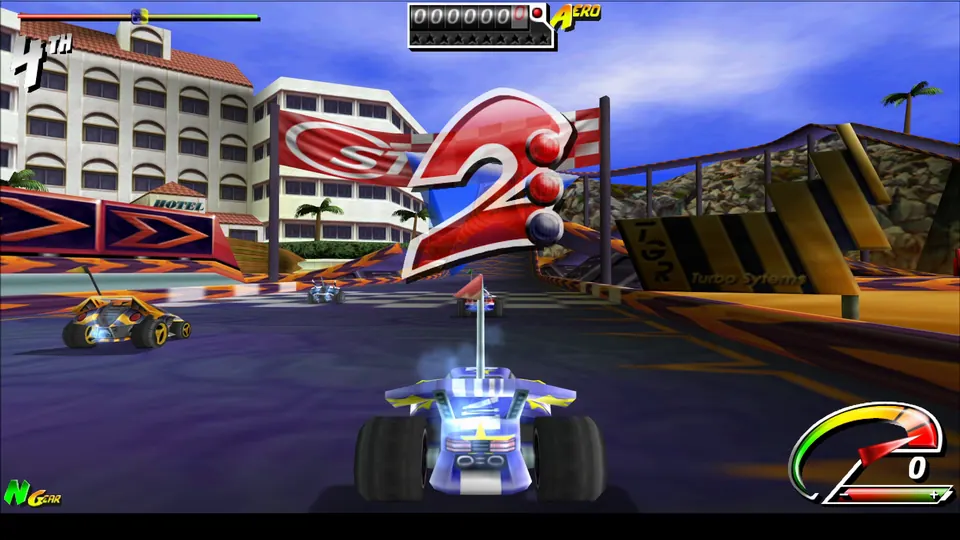
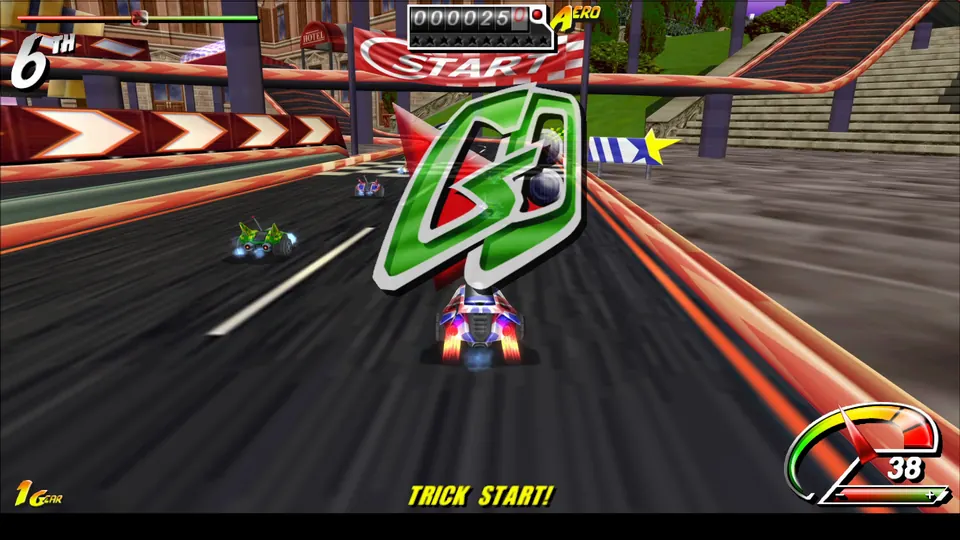
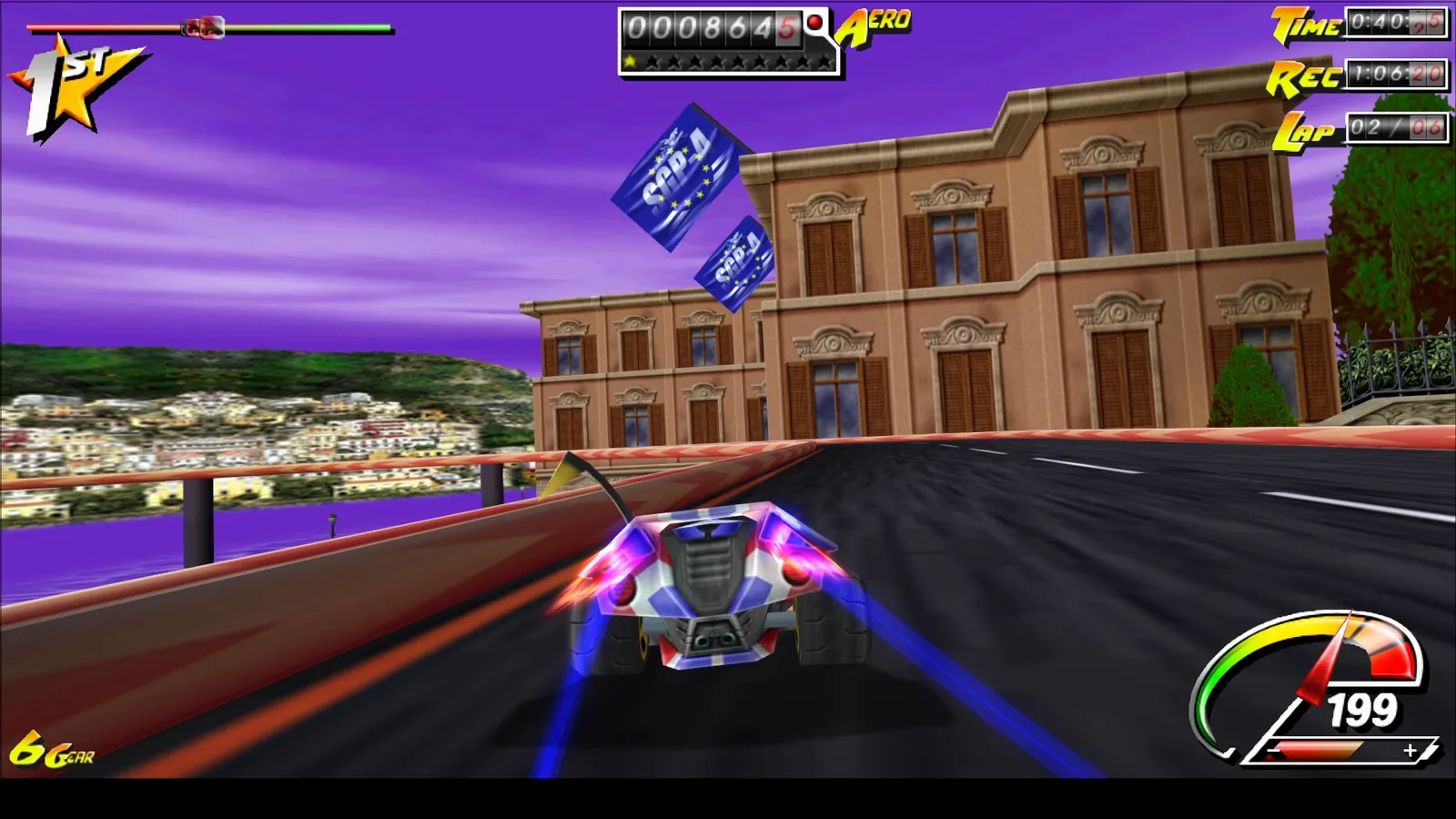
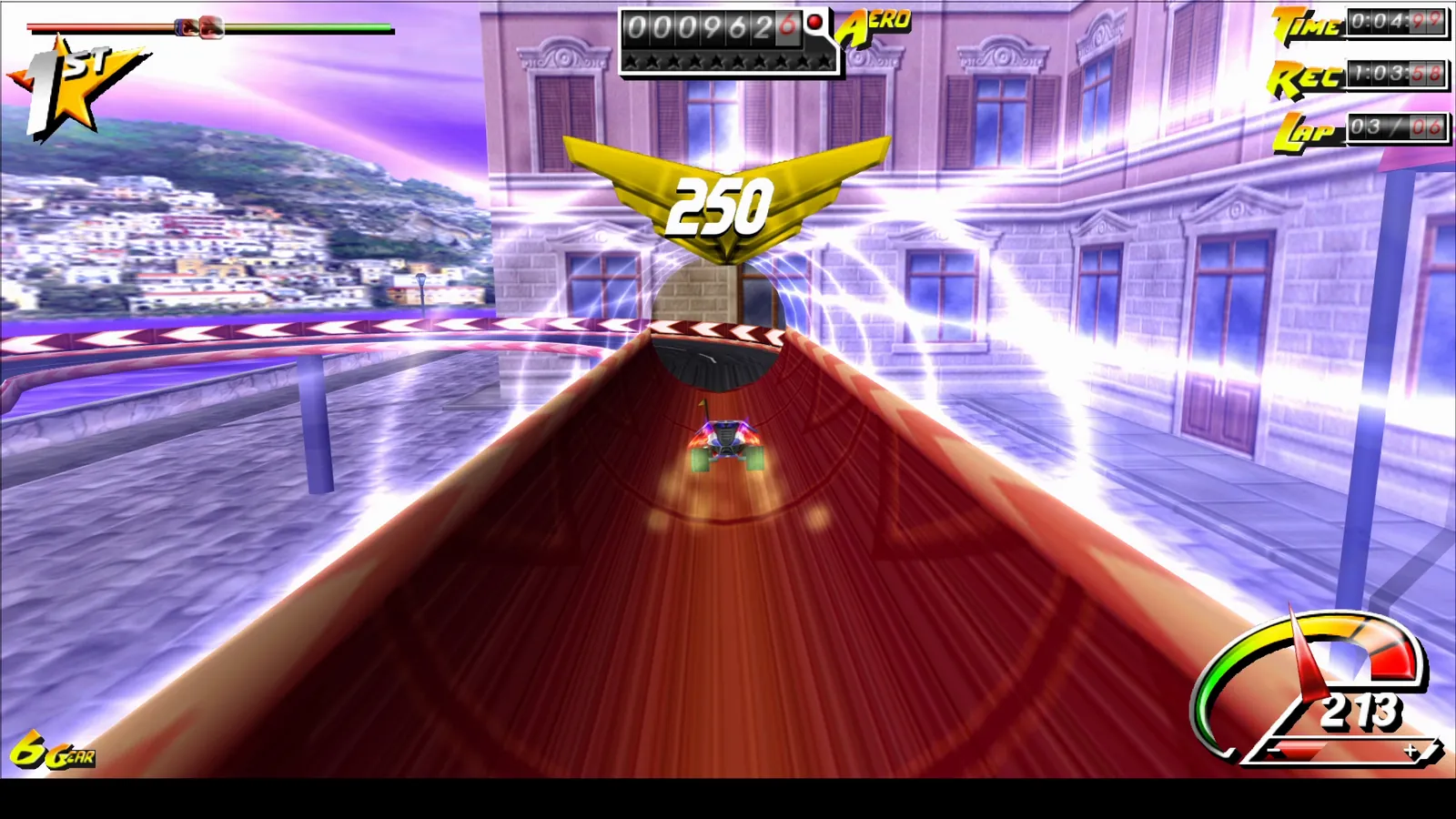
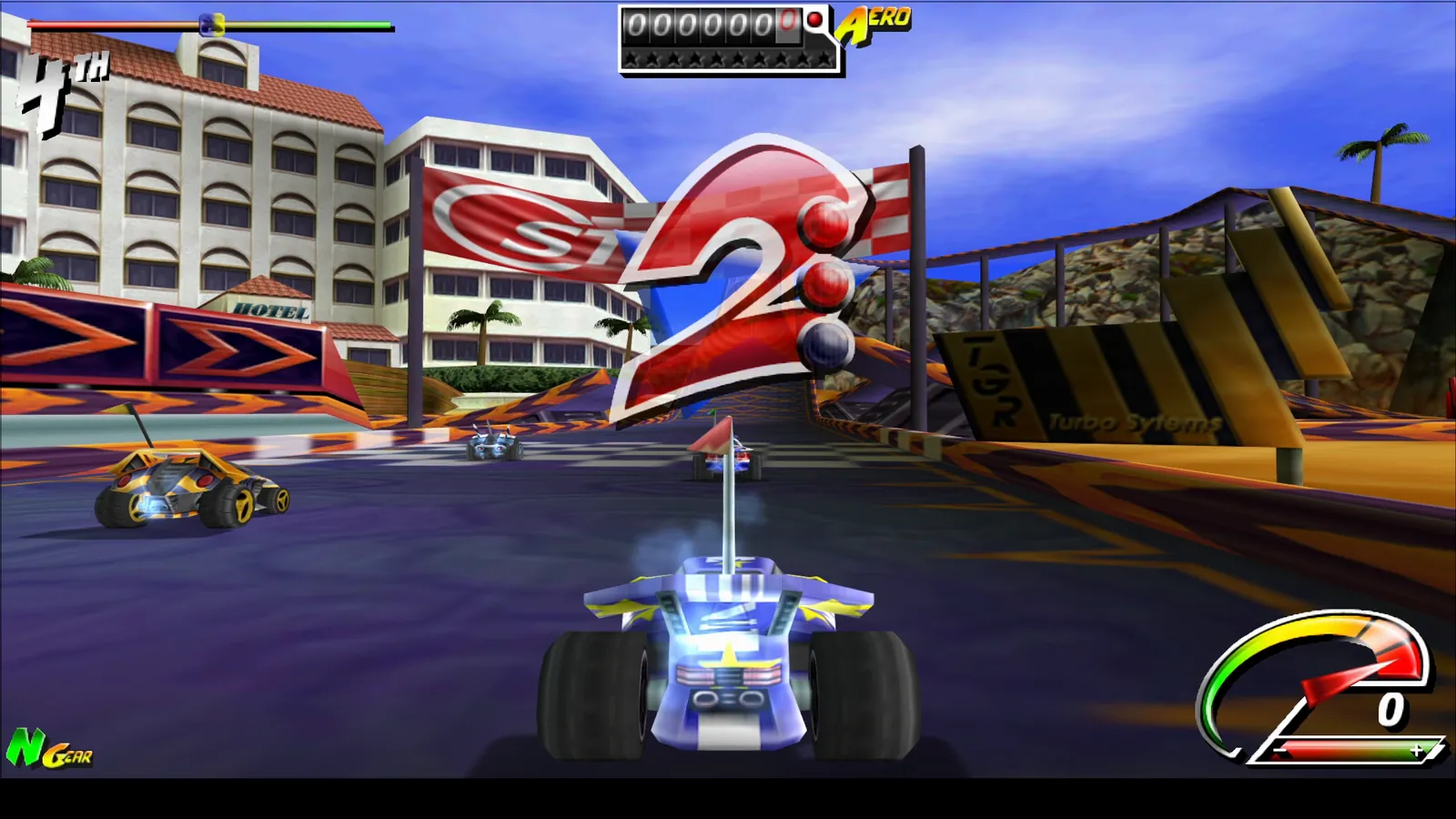
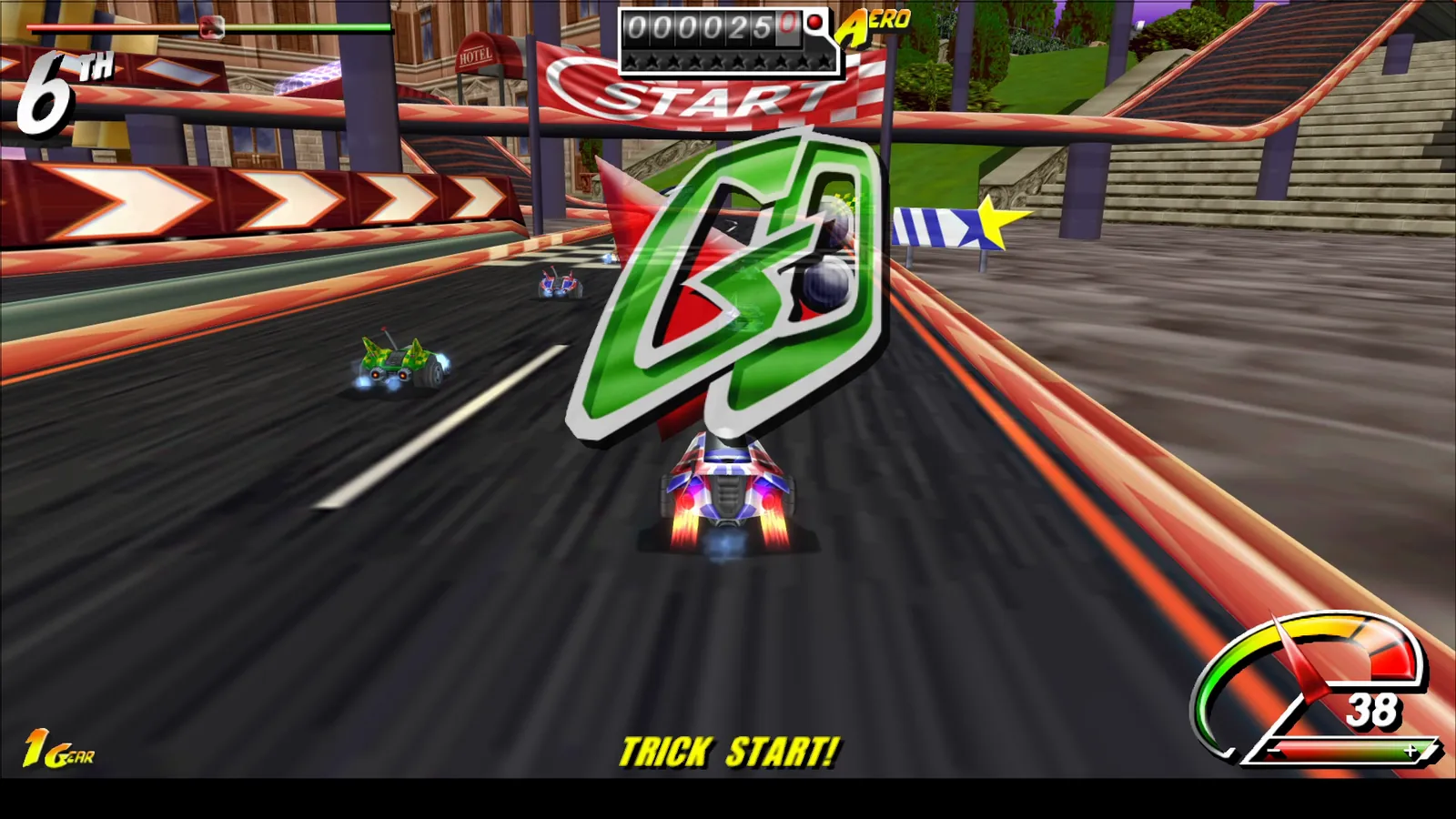
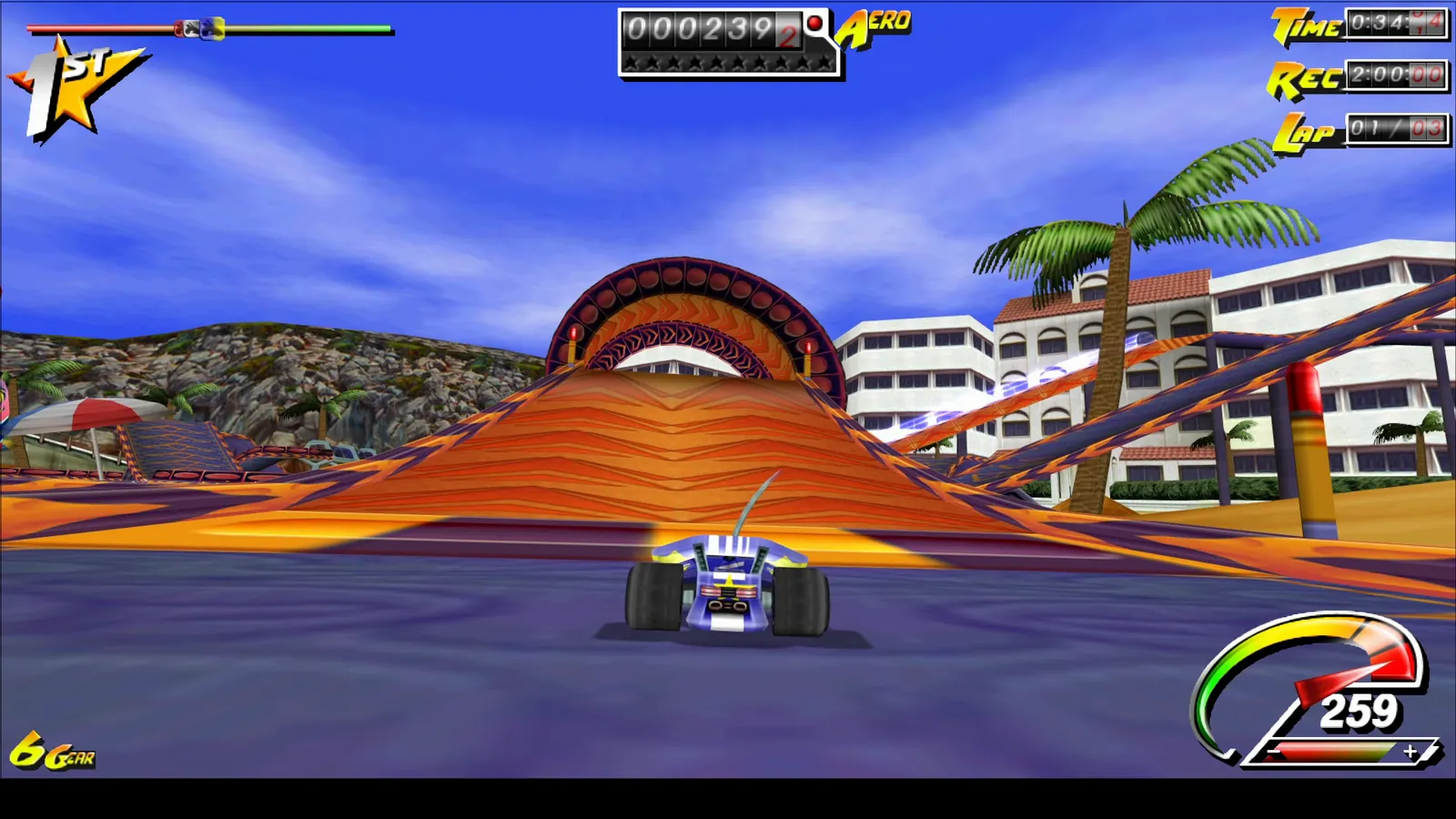
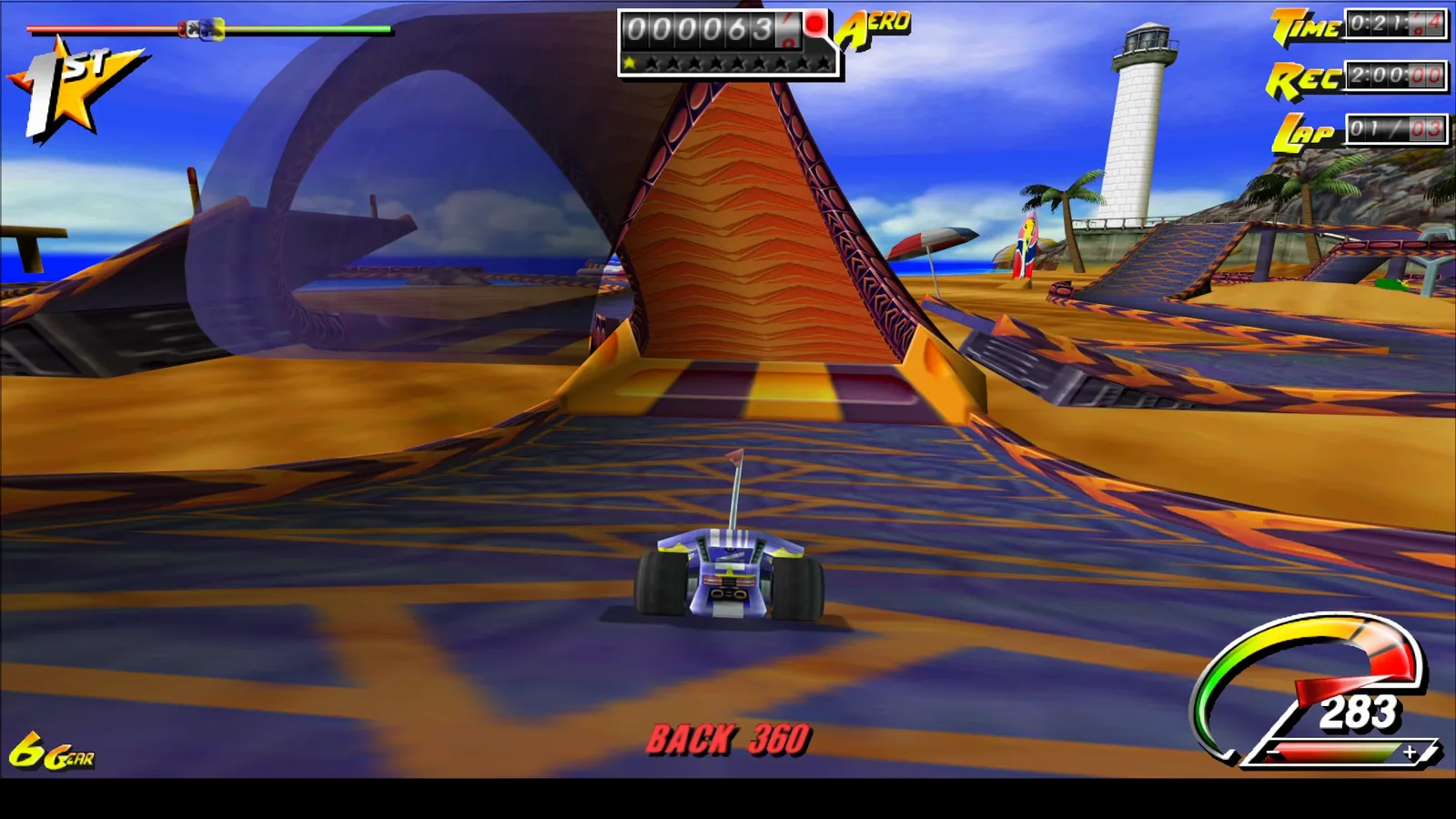
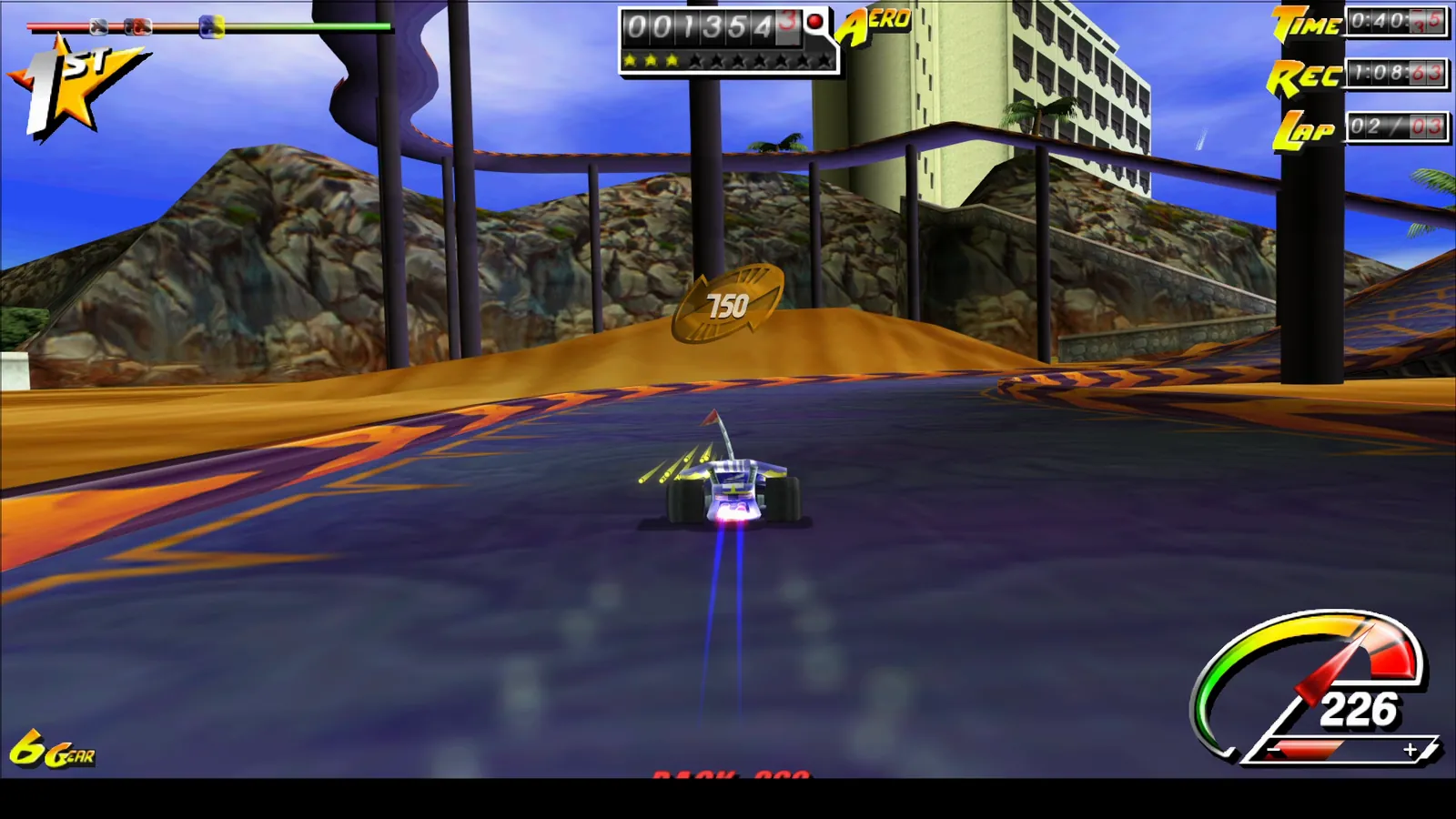
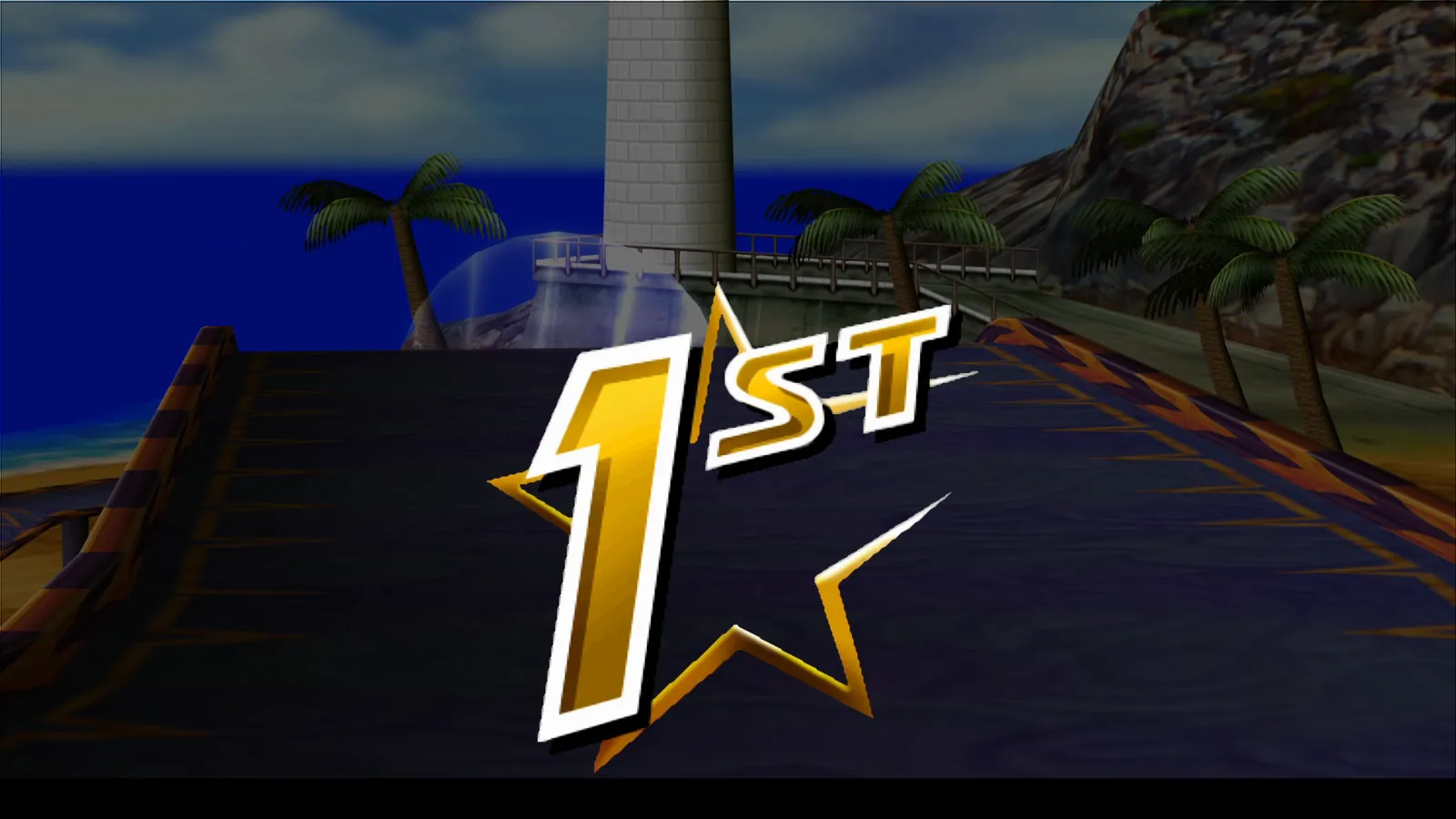
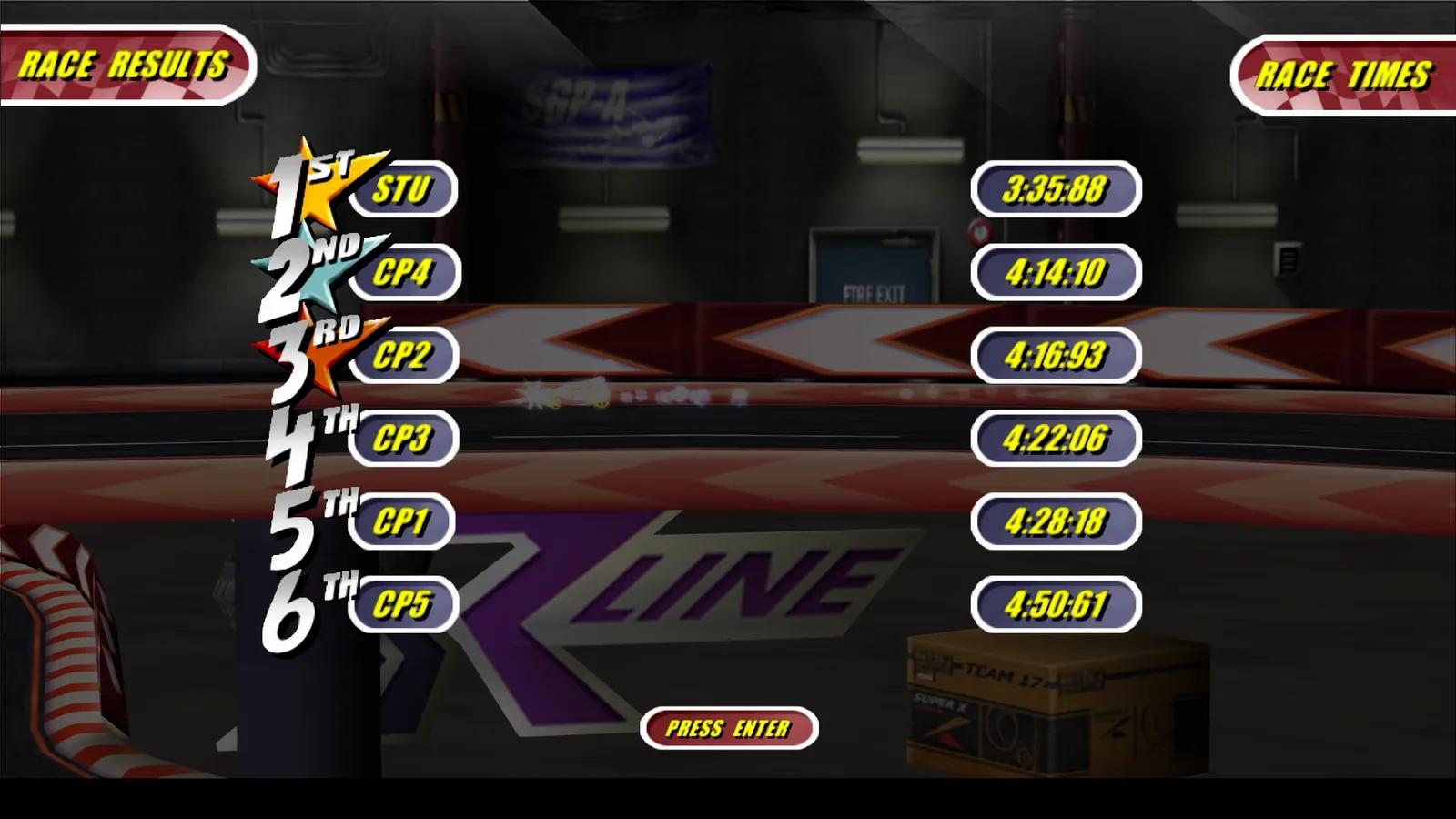
Every image is a screenshot of version R1, taken from a gameplay recording of 30 Sep 2026 — no retouching, no mock-ups. The game runs in widescreen: races, menus and results fill the whole 16:9 picture.
-
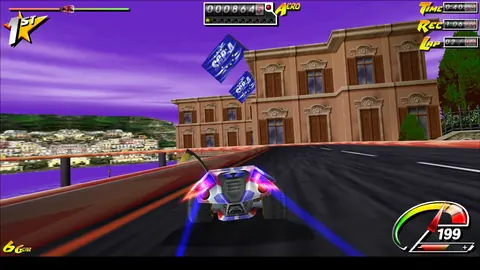
Coastal race R1
-
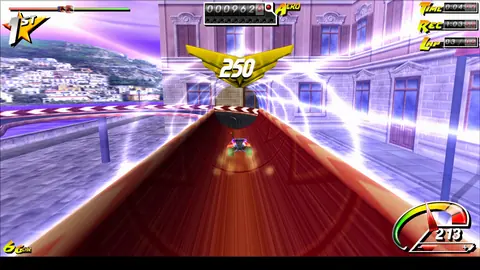
Stunt bonus: 250 R1
-
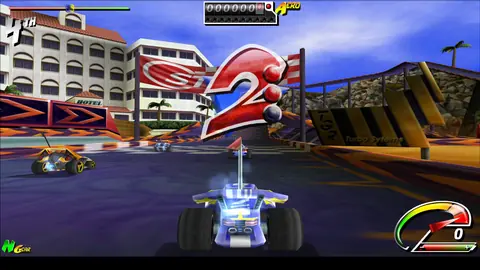
Countdown R1
-
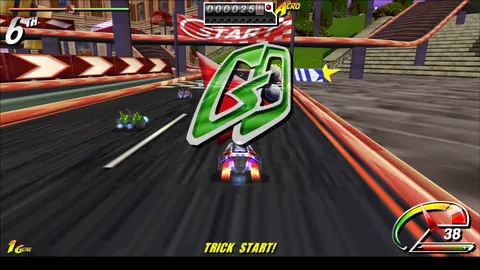
“GO” — trick start R1
-
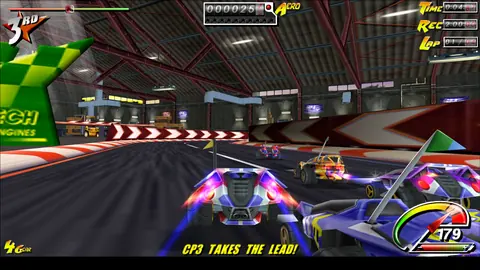
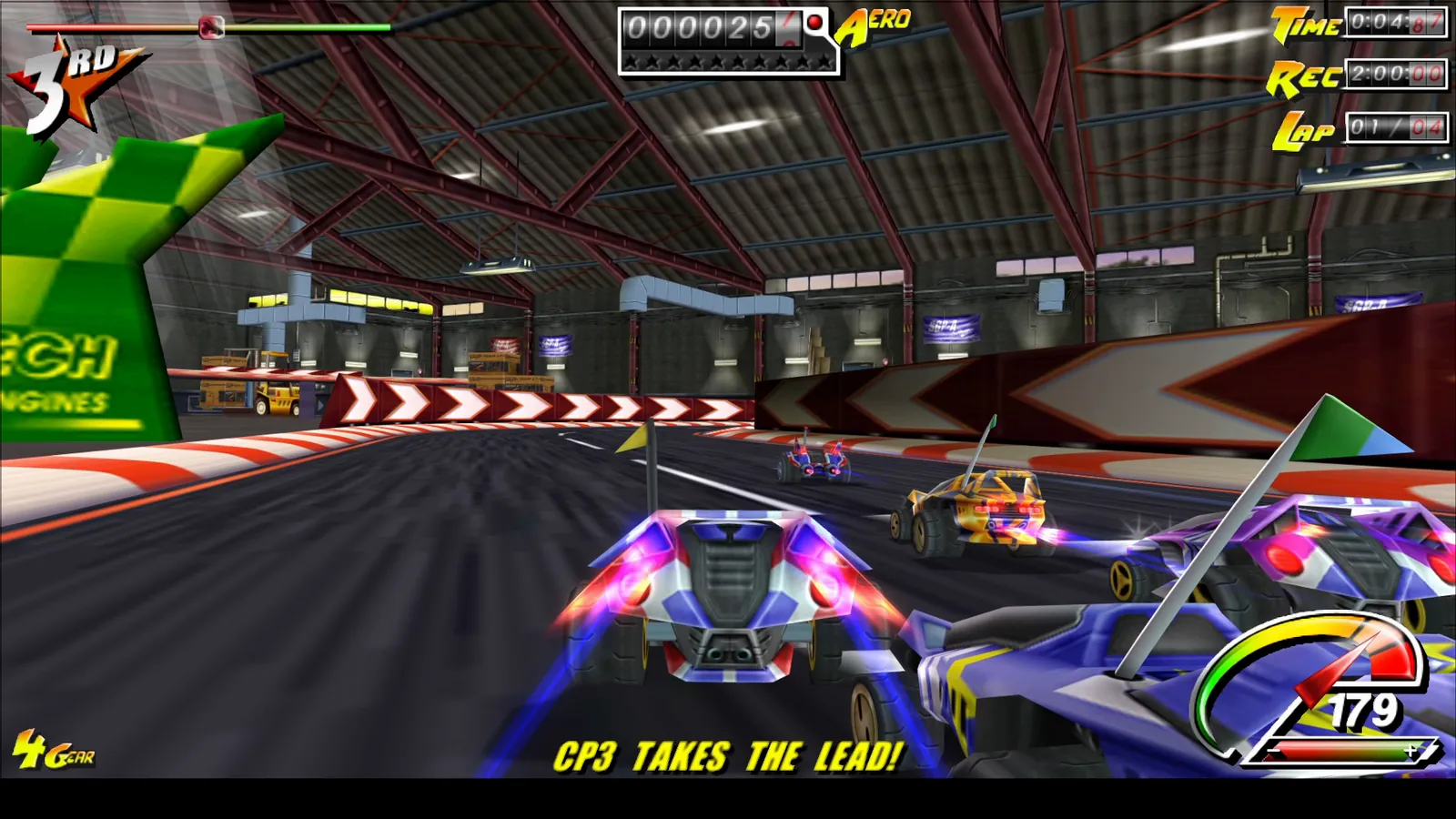
Racing in the hangar R1
-
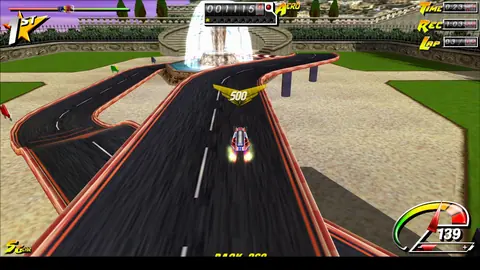
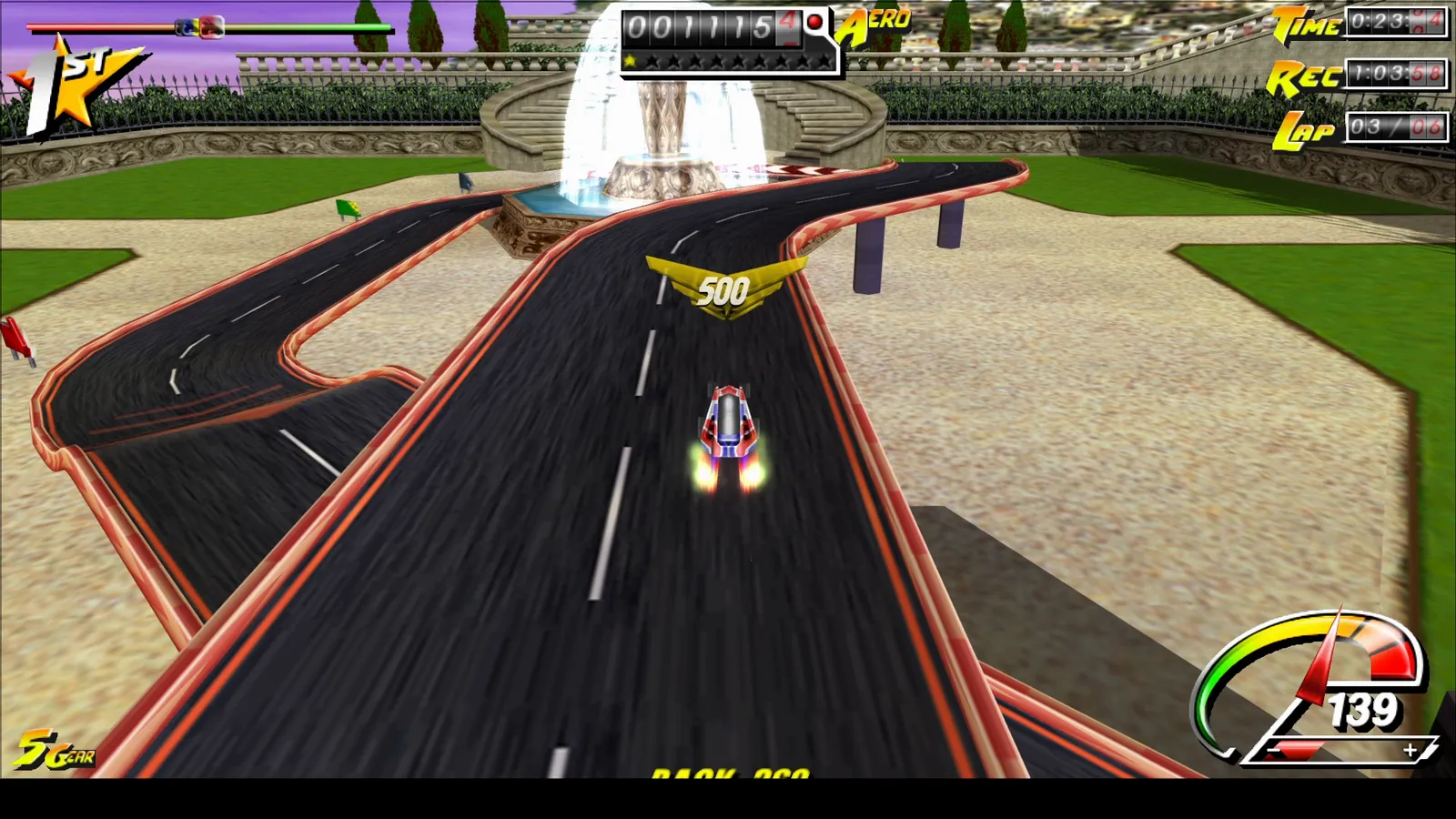
Stunt bonus: 500 R1
-
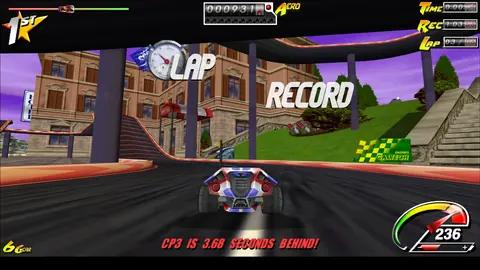
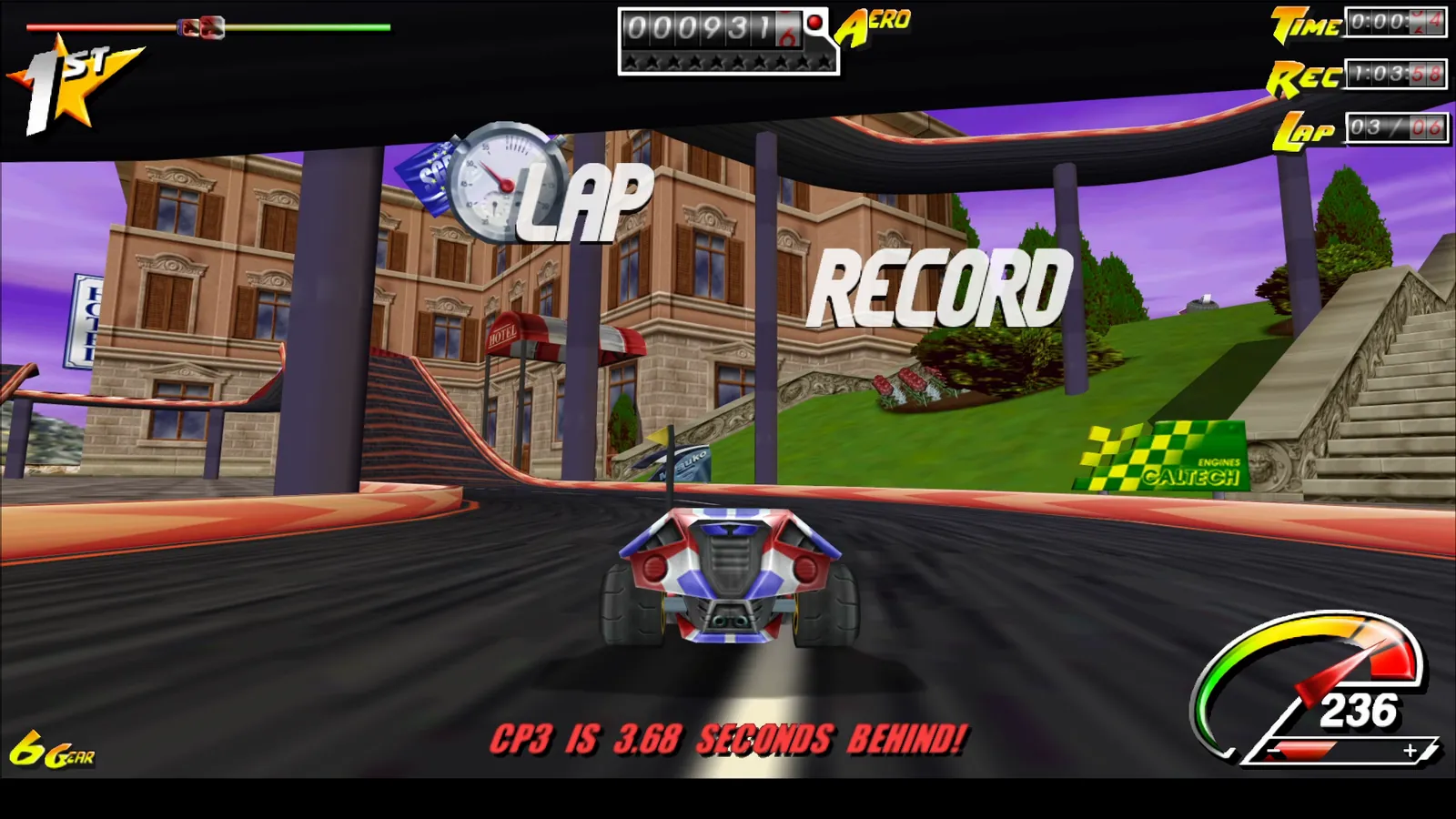
Lap record R1
-
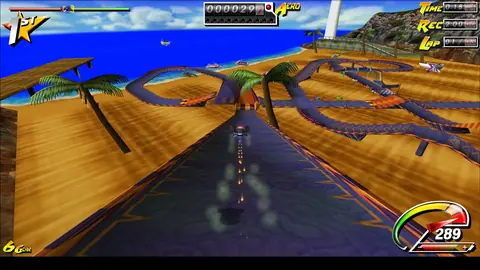
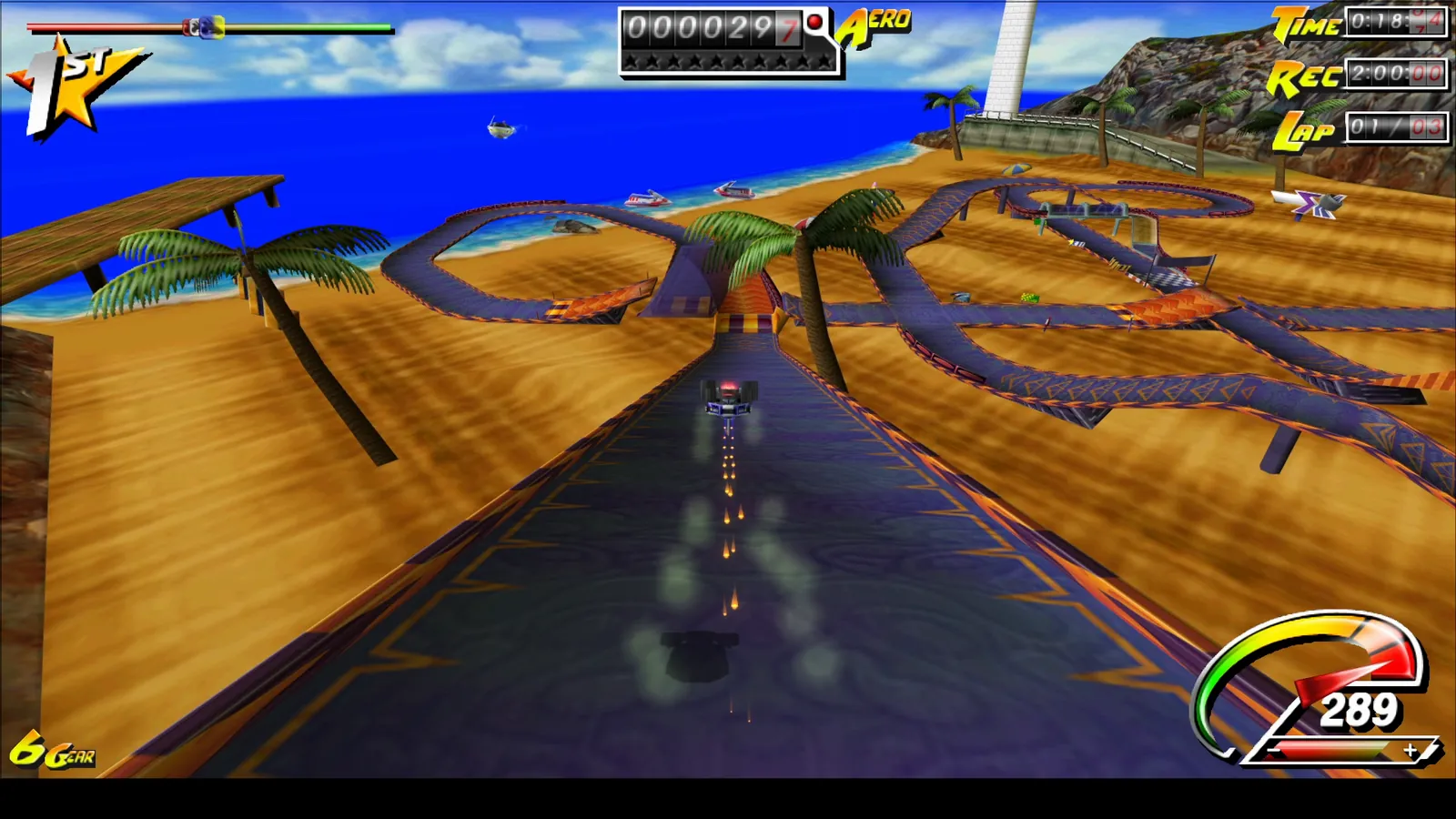
Beach track R1
-
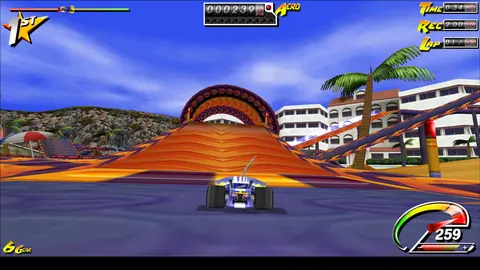
Towards the loop R1
-
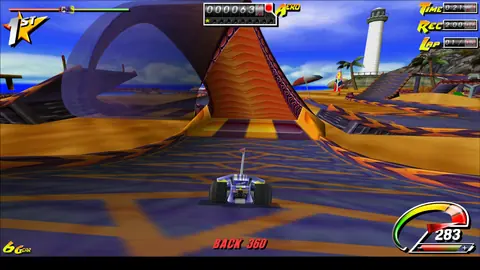
Stunt: BACK 360 R1
-
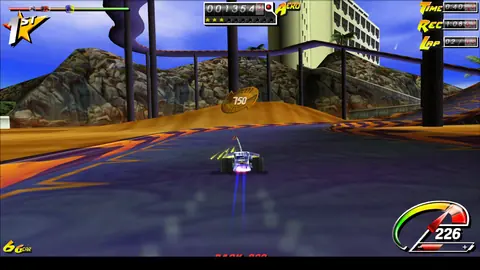
Stunt bonus: 750 R1
-
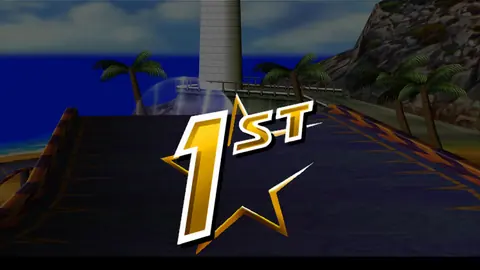
Finish — 1st R1
-
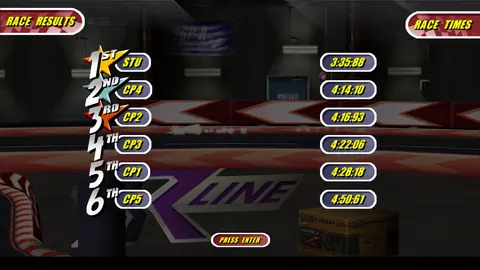
Race results R1
-
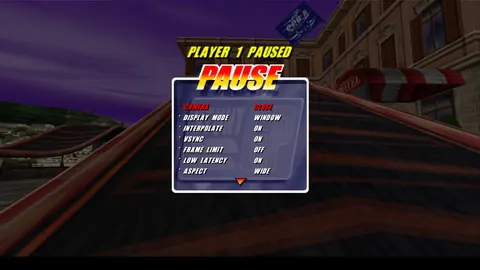
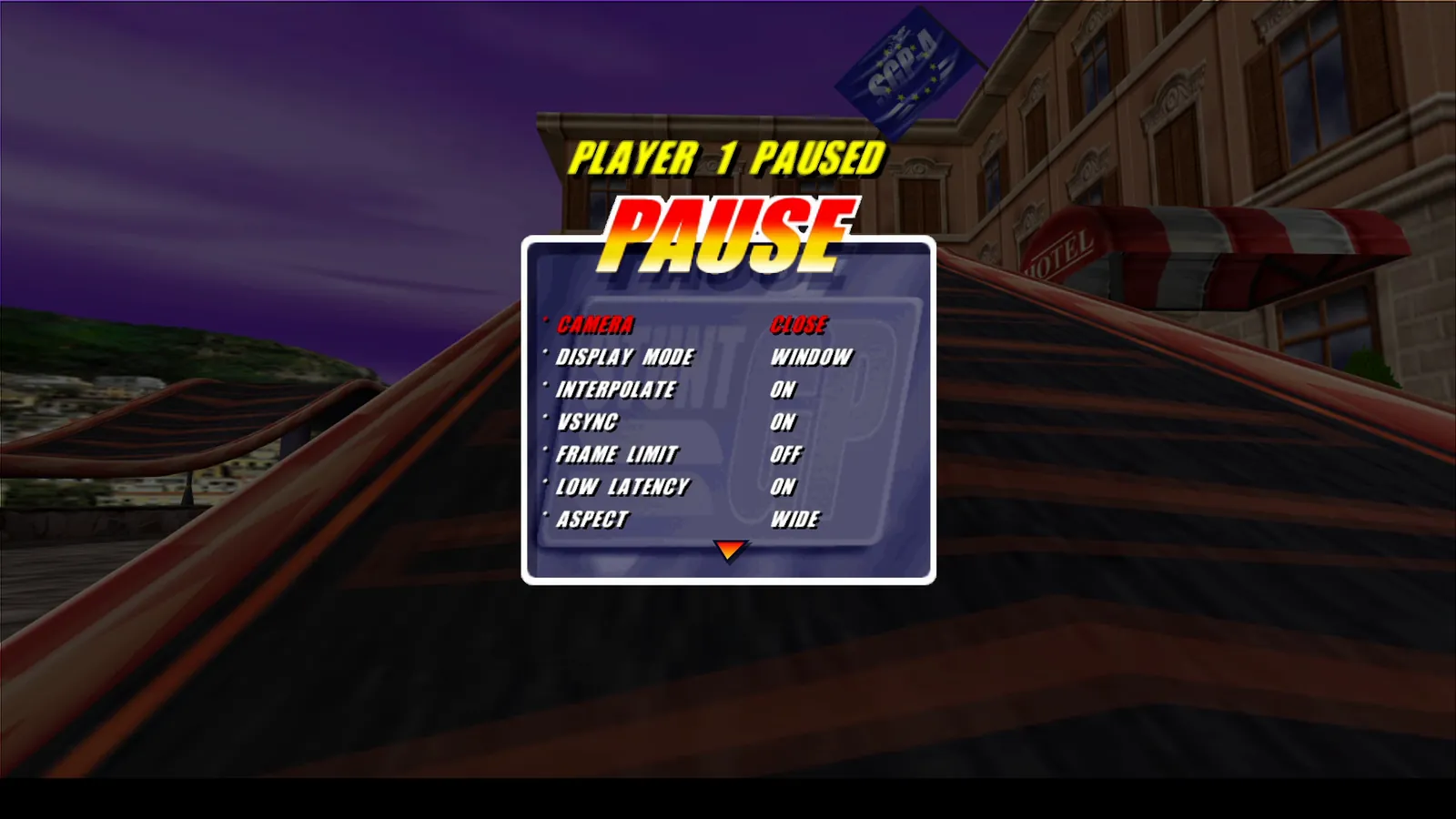
Pause — ADVANCED R1
-
Title screen R1
-
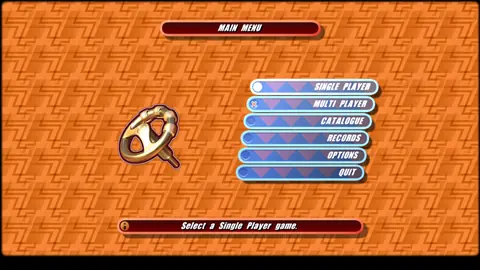
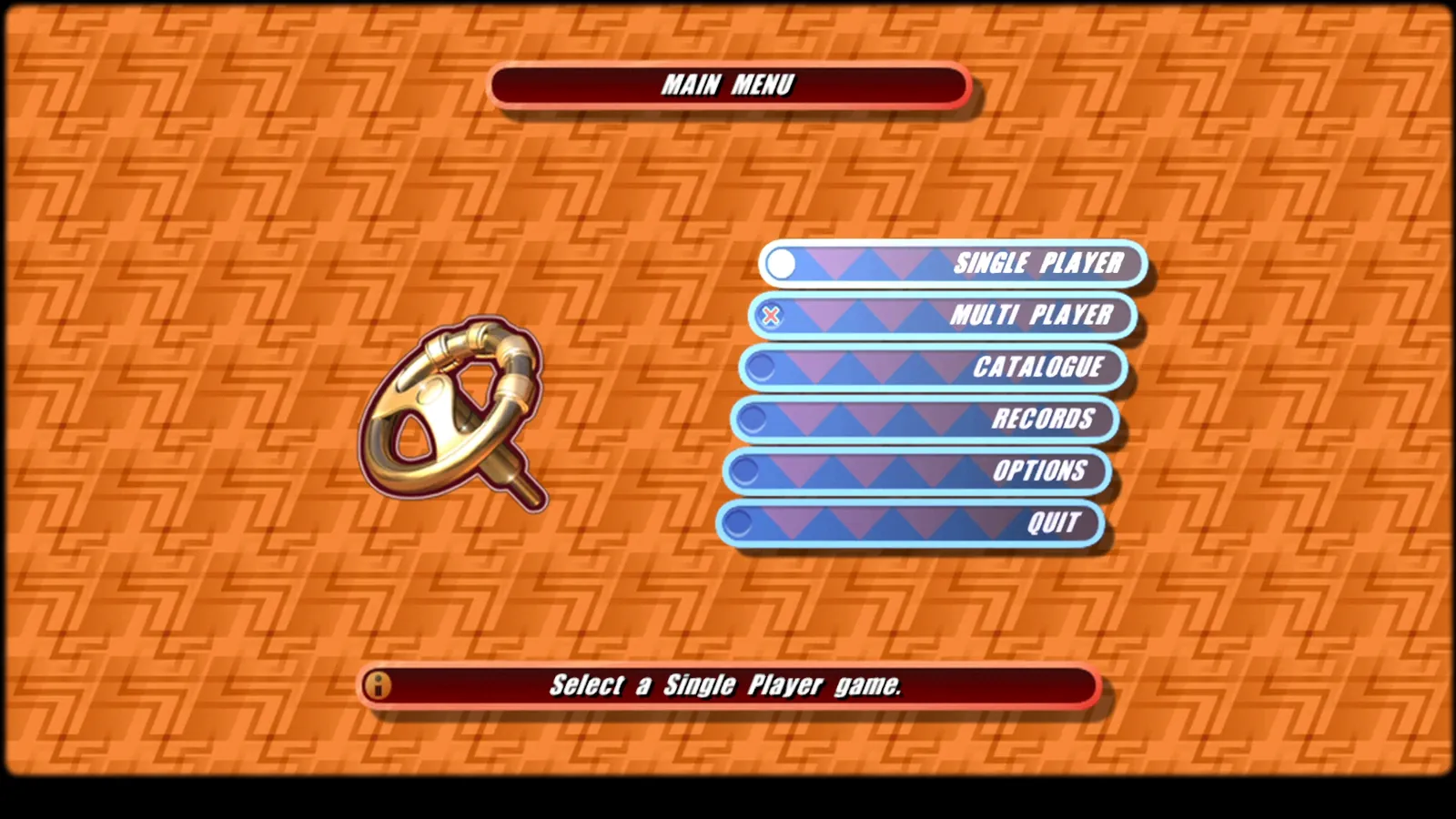
Main menu R1
-
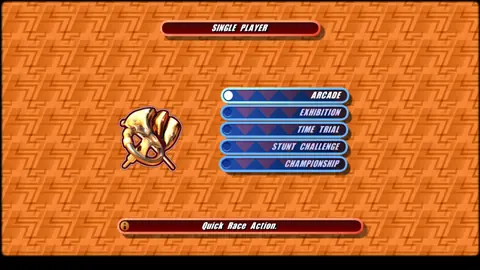
Single player modes R1
-
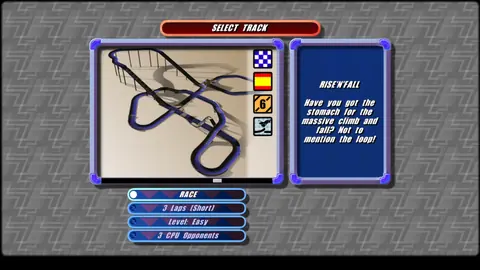
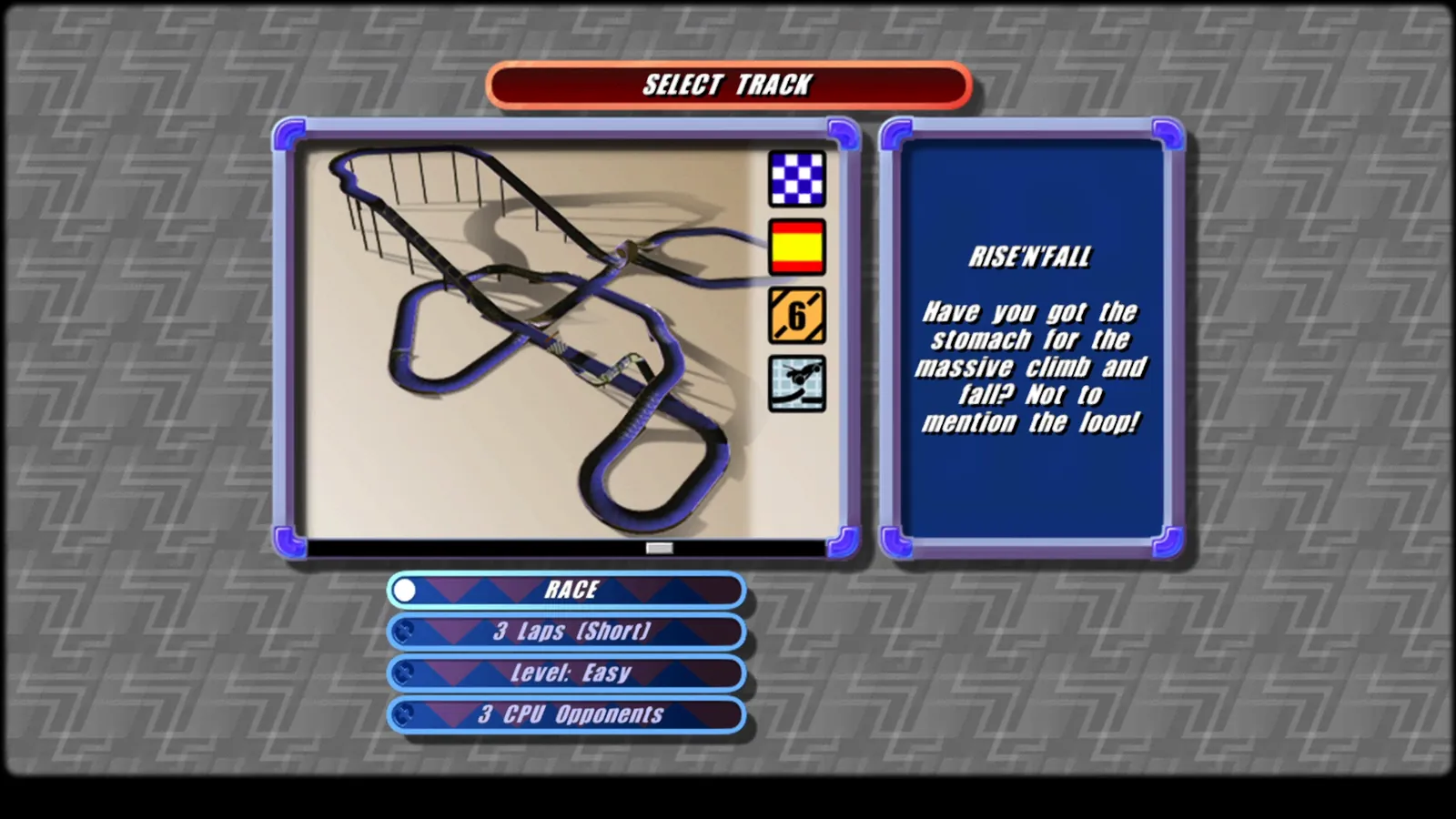
Track selection R1
-
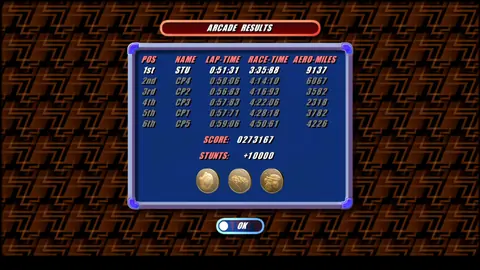
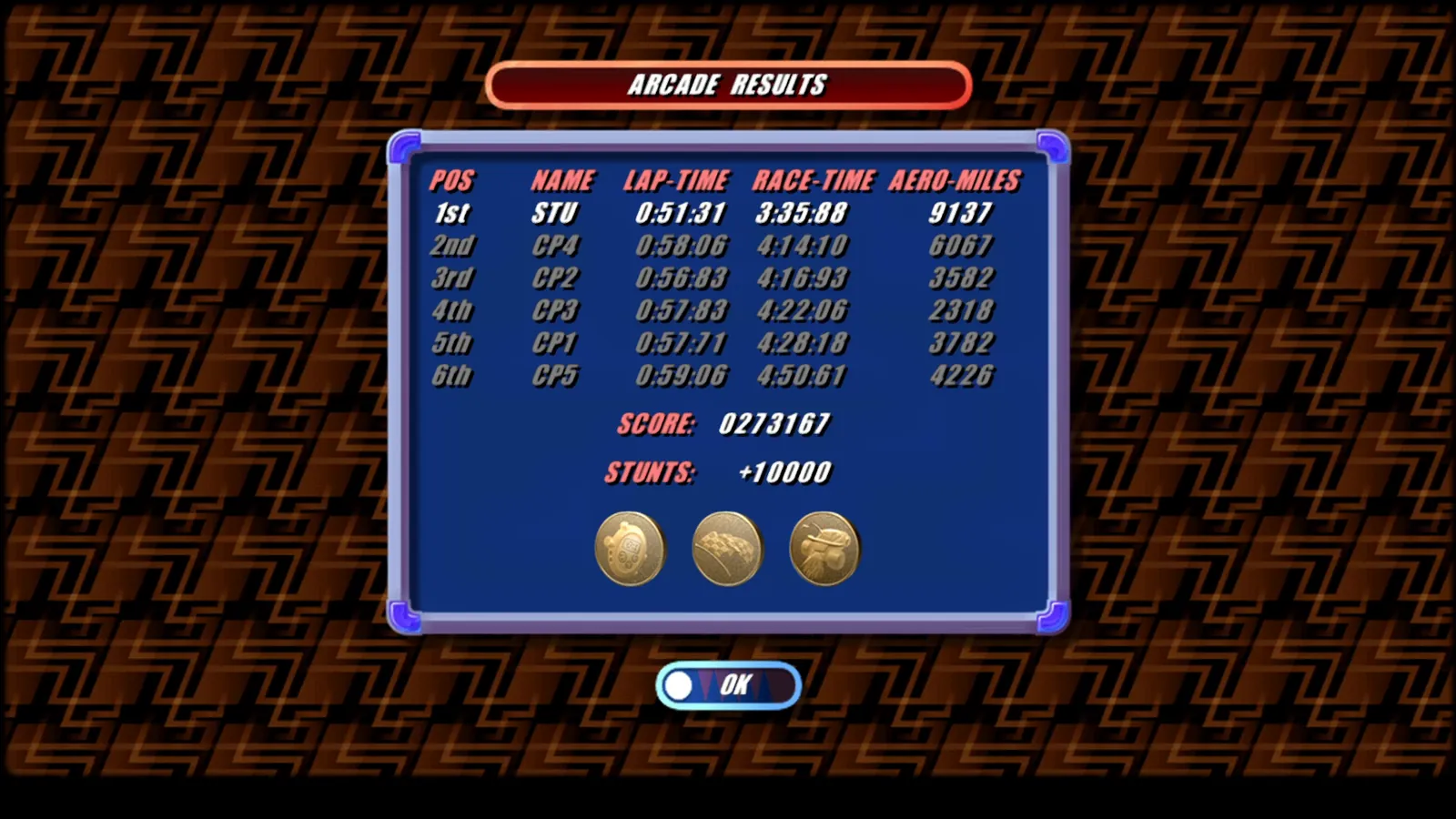
Arcade results R1
-
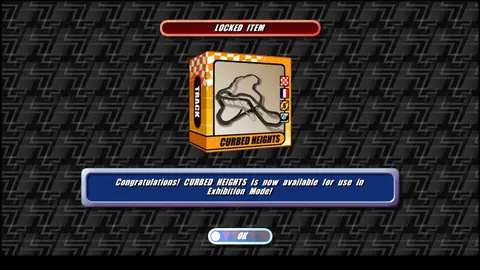
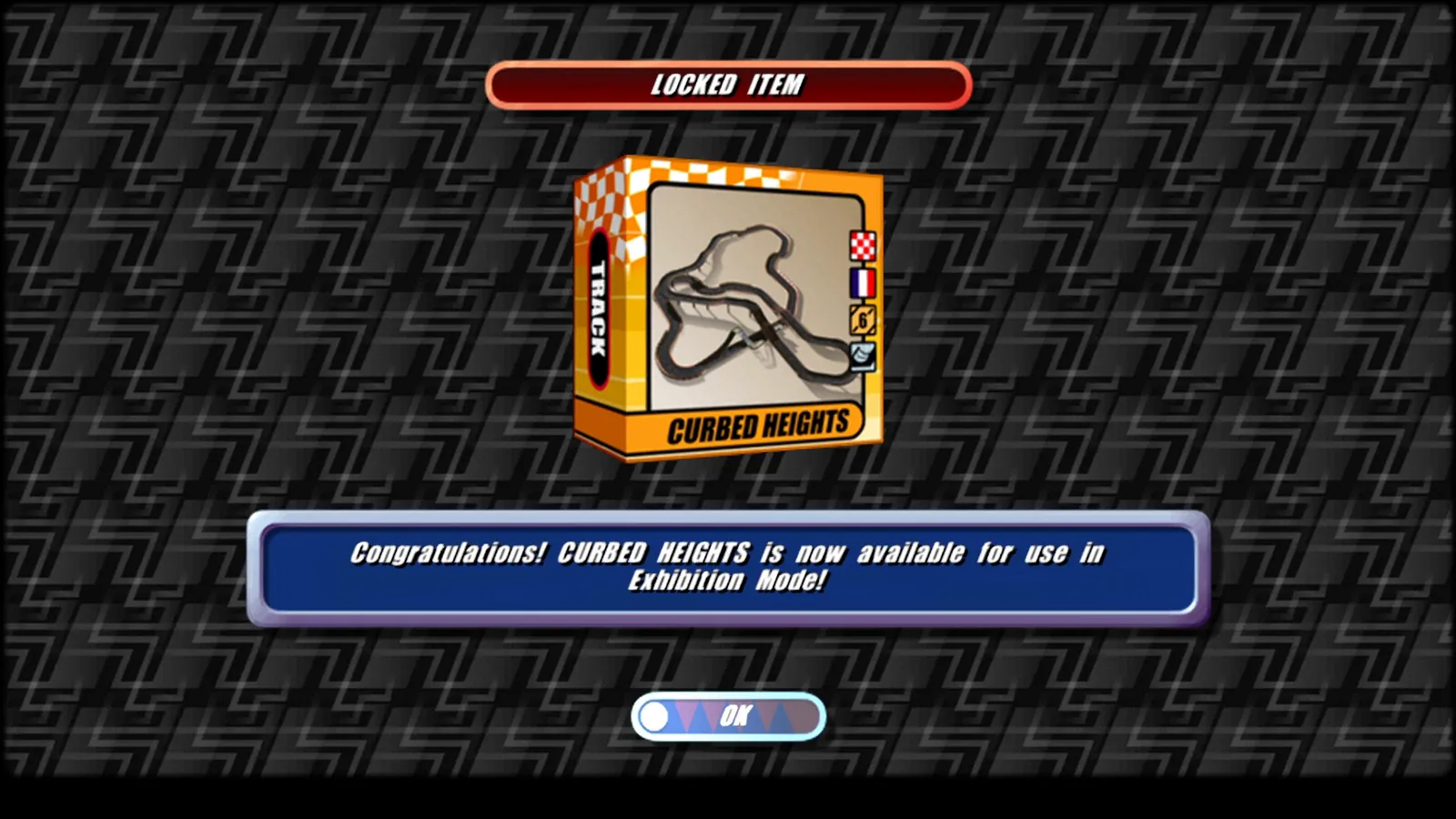
Unlocked track R1
Ready for the start?
- File
StuntGP_NEW-R1-program.zip- Size
- 2.2 MB (2,314,032 bytes)
- Unpacked
- 4.9 MB, 6 files
- SHA-256 (ZIP)
f9ff010cbe5c14cf920af58bcee4f7f1ffbe364548f92c1d7e771c45f1da537a- SHA-256 (StuntGP_NEW.exe)
17d884df278ff3df0f59e0d4f1bd629ca481f62c6b561247d635c979b8c1ab9c
Checksums: SHA256SUMS.txt. Verify in PowerShell:
Get-FileHash .\StuntGP_NEW-R1-program.zip -Algorithm SHA256
Requirements
- Windows 10 or 11, 64-bit
- DirectX 12 graphics card (feature level 11_0 or higher)
- Microsoft Visual C++ Redistributable 2015–2022 (x64) — download from Microsoft
- Your own copy of the original Stunt GP (CD or installation) — its files are not included
- Keyboard
Package contents
StuntGP_NEW.exethe game (x64, DirectX 12)START.cmdstarts the gameSTART-MENU.cmdstarts the game (same as START.cmd)README.txtinstructions (PL/EN)data\retail\start-up configuration; copy the original game files heresave\card00\folder for saved settings
-

Download
Download the
StuntGP_NEW-R1-program.ziparchive and — to be safe — compare its SHA-256 checksum. -

Unpack
Unpack the archive to a folder you can write to, for example the Desktop. From your own copy of Stunt GP copy the folders
wads, graphics24, meshdata, soundintodata\retail. -

Launch
Double-click
START.cmd. If a SmartScreen warning appears, choose “More info” → “Run anyway”. -

Play!
On first launch, pick the menu language. On the title screen press ENTER, choose SINGLE PLAYER, a mode and a vehicle — and hit the track.
Keys and launch options
On the track
- ↑Accelerate
- ↓Brake
- ←→Steer
- ESCPause during a race
In menus
- ↑↓←→Select an option
- ENTERConfirm
- A–ZEnter the player name
The default keyboard layout comes from the original game data. SPACE, SHIFT and CTRL handle the original layout's extra actions.
Launch options StuntGP_NEW.exe
| Option | Effect |
|---|---|
--interpolation | Turns frame interpolation on for this session (--no-interpolation turns it off). Normally you set it in Options → GRAPHICS → INTERPOLATE. |
--aspect-4x3 | Original 4:3 picture with bars, like ASPECT → ORIGINAL in the graphics options. The SGN_ASPECT=4x3 environment variable does the same. |
--width 1280 --height 720 | Window size (1440×900 by default). |
SGN_GPU_WORLD=1 | Environment variable: track geometry computed on the GPU. Optional, off by default. |
Most settings no longer need launch options: display mode (window, borderless or exclusive fullscreen), interpolation, VSync, frame limit, anti-aliasing, texture filtering and more are in Options → GRAPHICS, and during a race under ADVANCED in the pause menu.
StuntGP_NEW.exe --interpolation --aspect-4x3
An honest look at what's ready
Working in R1
- The complete single-player game: Arcade, Exhibition, Time Trial, Stunt Challenge and Championship
- Language selection, title screen, menus, name entry, vehicle and track selection
- Races against five AI rivals: start, laps, stunts and bonuses, finish, results, rankings and unlocks
- Music and all sound effects, HUD, camera, pause menu, particles, trails and shadows
- Widescreen, graphics options, display modes and frame interpolation up to the monitor's refresh rate
In progress
- Multiplayer is not in R1 — it will be designed from scratch as a separate, networked mode
- Full visual and game-state parity with the original has not been proven yet
- The R1 build was checked with the author's visual tests and measurements; automated tests and comparisons with the original were not run for it
Release
-
R1 30 Sep 2026
The first public version
R1 is the first public release of StuntGP NEW. It contains:
- The complete single-player game — all five modes, from Arcade to Championship
- Music and all sound effects
- Widescreen: the picture fills any window, with Hor+ in races
- Frame interpolation up to the monitor's refresh rate, with display-locked pacing
- Graphics options and display modes: window, borderless and exclusive fullscreen
- The crash on exit is fixed, and the menus no longer stutter
How it's made
From instructions, not guesswork
Rebuilt behaviour must point to the pinned EXE file (SHA-256), the decompiled function and the exact instruction ranges. The decompilation is not the original source code.
Comparisons with the original
Oracles run the original's unmodified instructions in the Unicorn emulator and compare the results with the new code — for example the pause and resume routines: 13,280 compared calls with no differences.
Strict builds
C++23, compiled with
/W4 /WX— warnings treated as errors — and/fp:strictfor strict floating-point arithmetic.New platform, clearly labelled
The window, the DirectX 12 renderer, picture scaling and presentation pacing are new code — labelled as new, not as recovered game behaviour.
Frequently asked questions
Is this the official game?
No. StuntGP NEW is an unofficial fan project, not affiliated with Team17 Software Ltd. Stunt GP and Team17 are registered trademarks of Team17 Software Limited.
Is it an emulator or a wrapper around the original EXE?
No. It is a native x64 program written from scratch in C++23, with a DirectX 12 renderer. The original executable is not run — it serves as the reference from which the game's modules are rebuilt.
Is the game finished?
The single-player game is complete in R1: all five modes, music and sound effects, results, rankings and unlocks. Multiplayer is not included yet — it will be designed from scratch as a separate, networked mode. Full parity with the original has not been proven yet.
Windows shows a warning when I launch it
StuntGP_NEW.exe is not digitally signed, so the SmartScreen filter may block it. Choose “More info” → “Run anyway”. To be safe, compare the SHA-256 checksum of the downloaded file with the value in the Download section.
MSVCP140.dll or VCRUNTIME140_1.dll is missing
Install the Microsoft Visual C++ Redistributable 2015–2022 (x64) from Microsoft: aka.ms/vs/17/release/vc_redist.x64.exe.
Does it work on a 144 Hz or 240 Hz monitor?
Yes. The game runs 60 steps per second regardless of the monitor's refresh rate, and frame interpolation (Options → GRAPHICS → INTERPOLATE) shows smooth motion up to the screen's refresh rate, with pacing locked to the display.
I have an ultrawide monitor
The picture fills the whole window with no bars, and races show a wider view to the sides (Hor+). If you prefer the original 4:3 framing, set ASPECT to ORIGINAL in the graphics options or launch the game with the --aspect-4x3 option.
Which languages does the game menu offer?
On first launch the game lets you choose one of the seven languages stored in the original data: English, Dutch, German, Swedish, Italian, Spanish or French. There is no Polish version of the game menu — Polish is available only on this website.
Where does the game save its settings?
In the save\card00 folder next to StuntGP_NEW.exe. That is why you should unpack the game somewhere you can write to — for example the Desktop, not Program Files.

Version R1 is waiting at the finish line
Download, unpack, run START.cmd — and race the original Stunt GP tracks.